For freelancers and small teams
The working week, in order.
Plan on a board and a calendar that share the same tasks, and keep the hours as you go. When it’s time to bill, the record is already there.
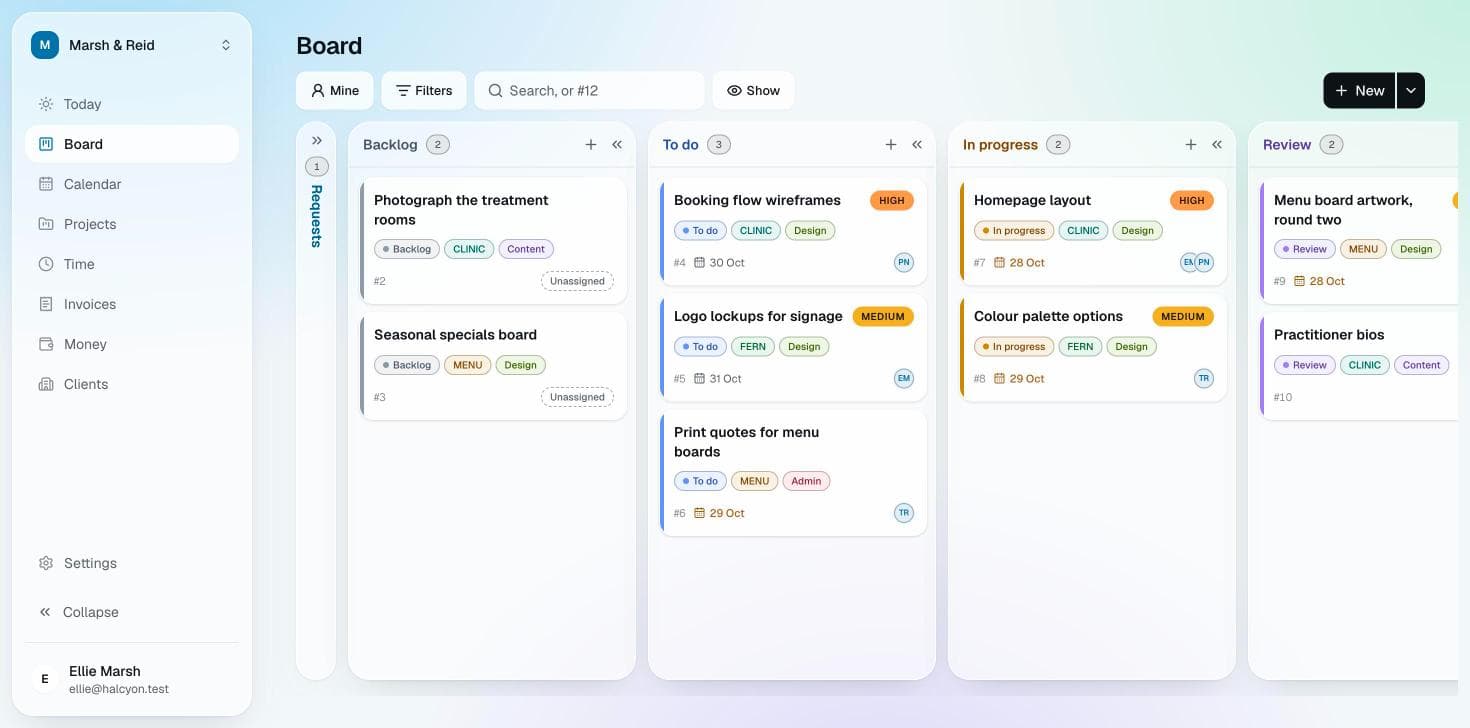
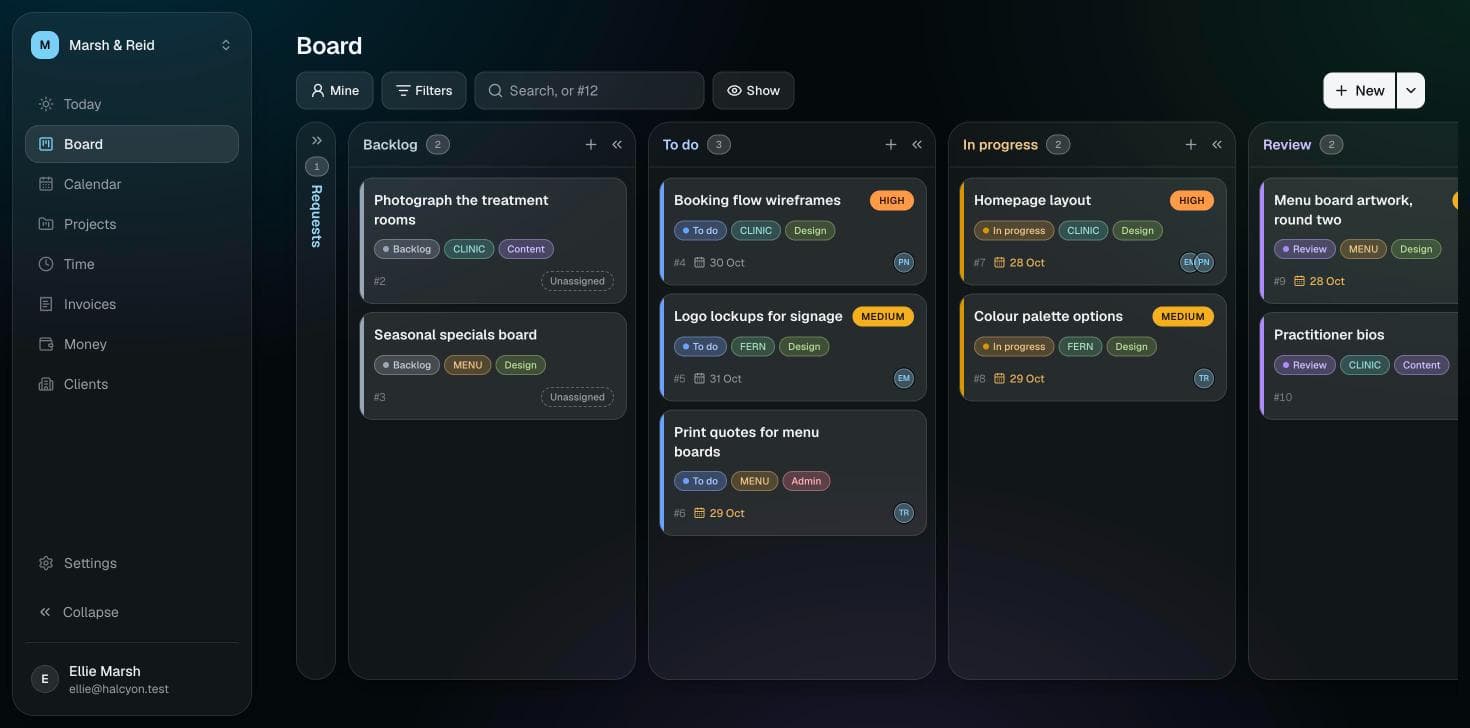
Calendar
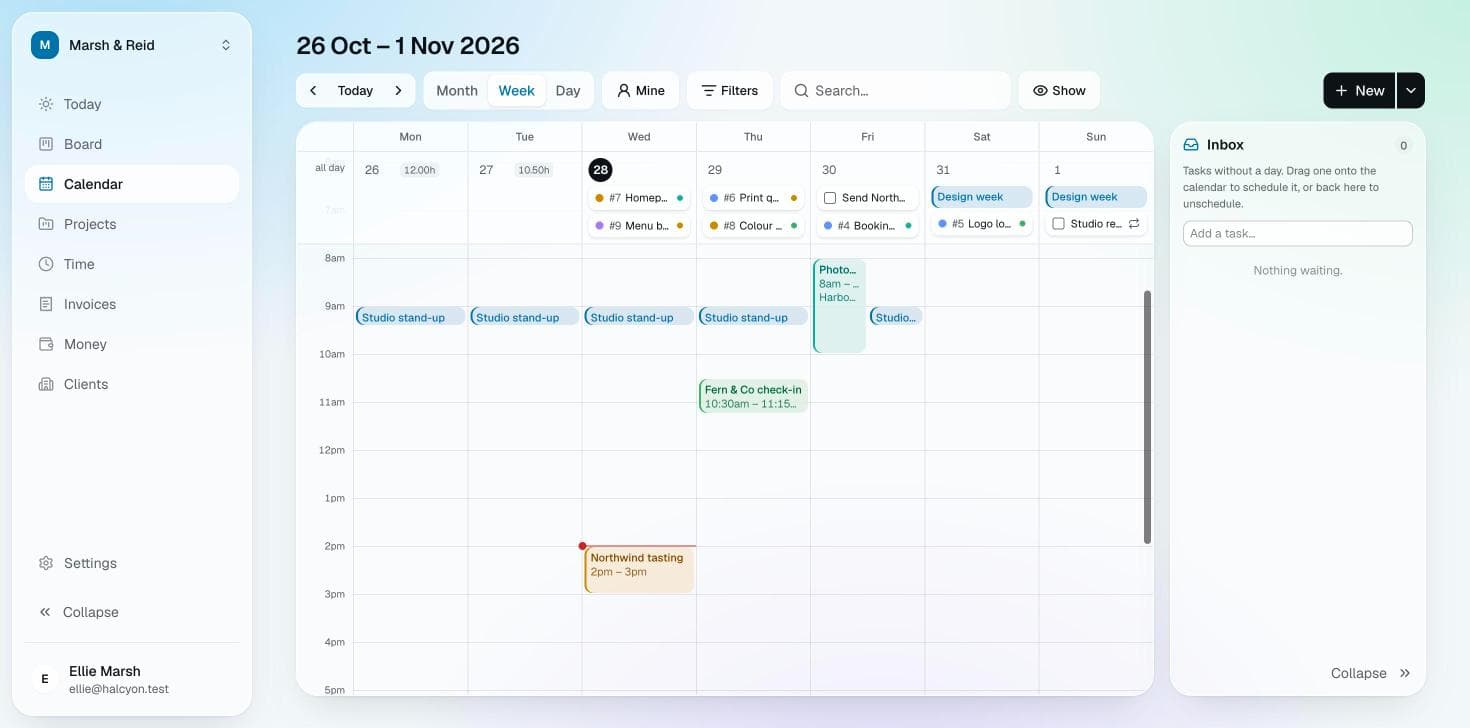
The week as it actually is.
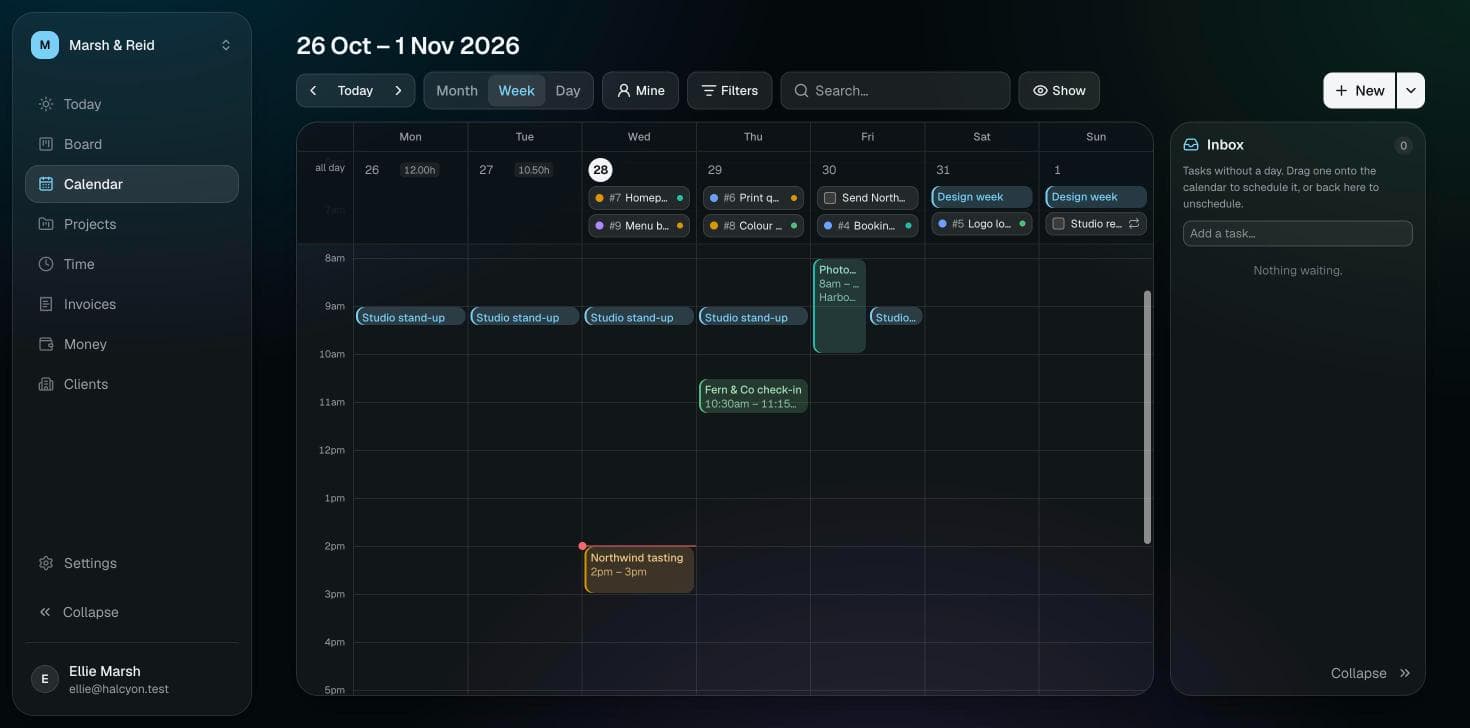
Meetings and due dates share one calendar, and the calendars you already keep sit beside them. A task without a day waits in the inbox until it has one.
Time
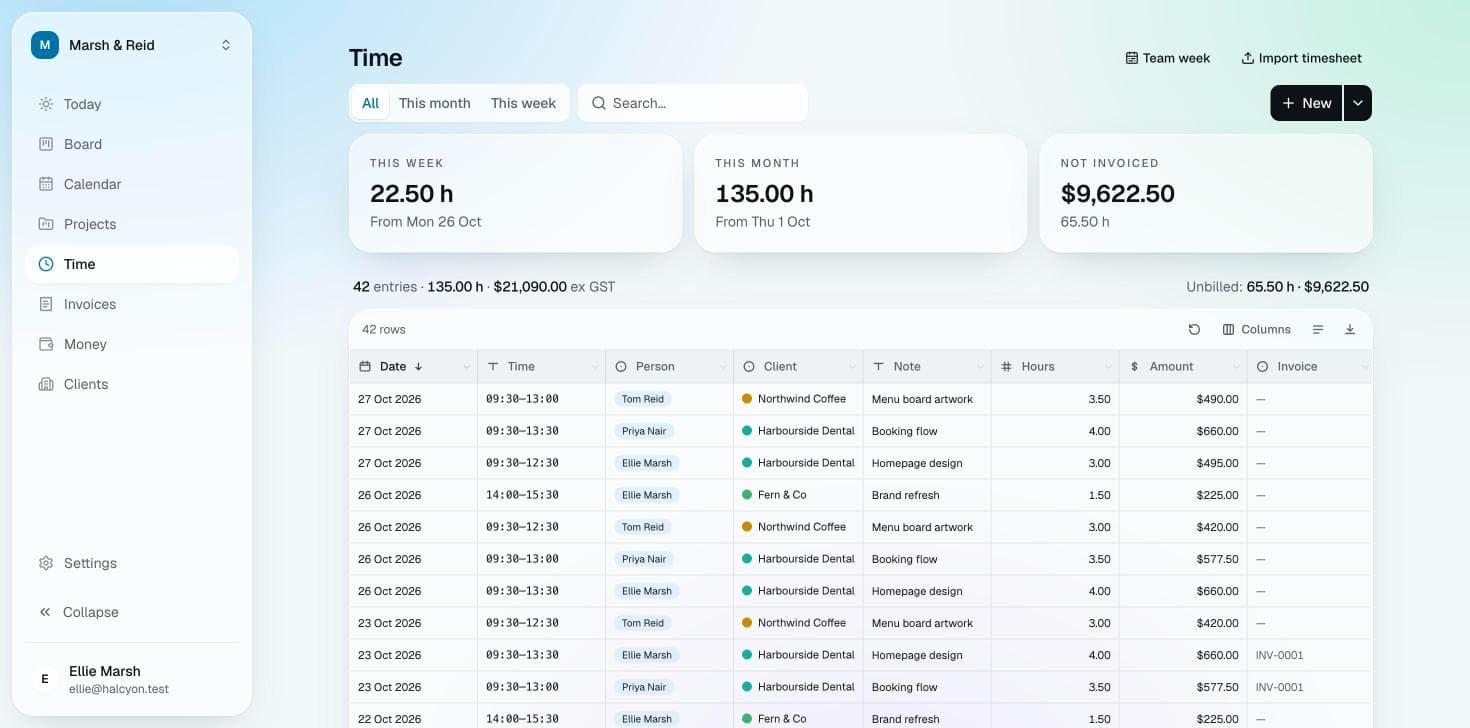
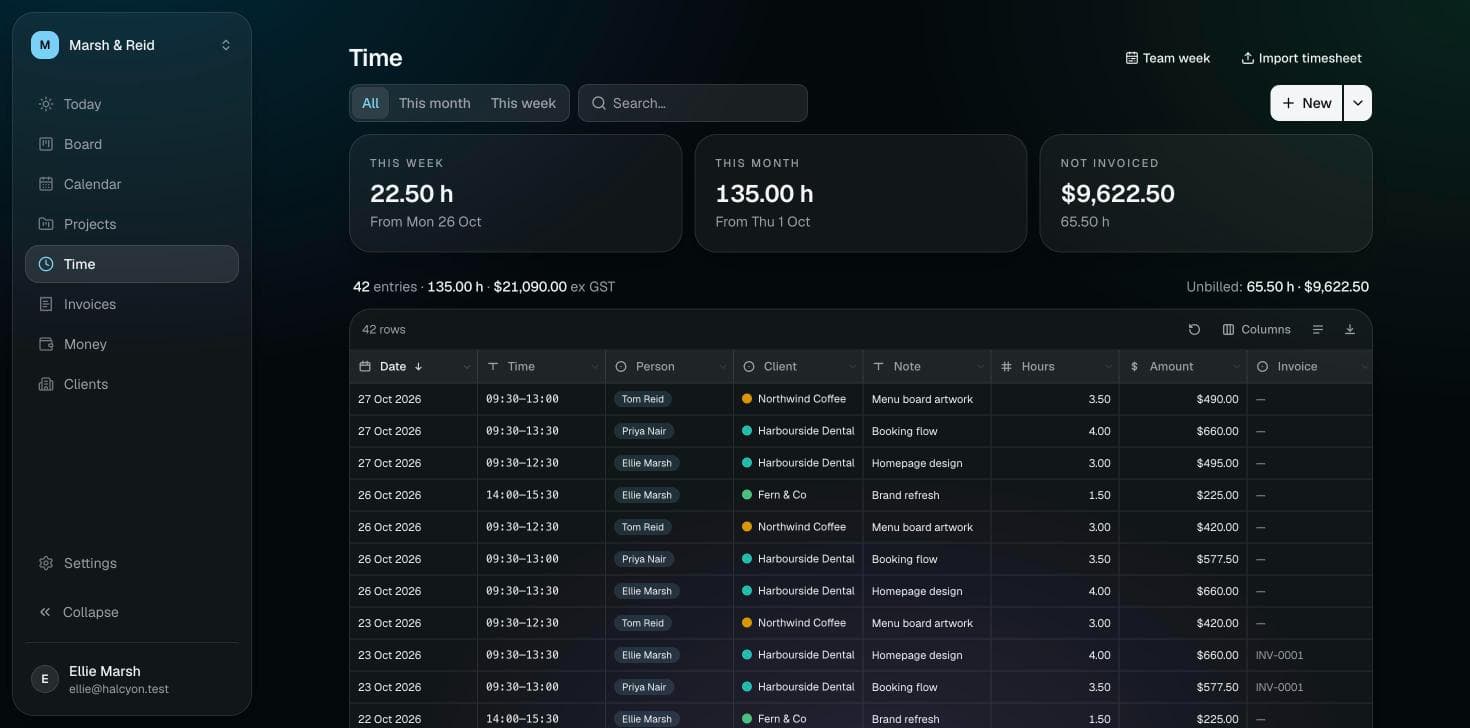
Hours, kept as you go.
Log time from a card while you work, or a week at a time. Halcyon remembers who it was for and at what rate, so billing is a matter of choosing the period.
What’s in it
What a workspace holds
Switch on only what you need. A workspace suits study or the household as well as work, and can be shared with the people you do it with.
Board
Cards in columns, from backlog to done. Give one a date and it’s on your calendar.
Calendar and tasks
Tasks and events on one calendar, with the calendars you already keep shown beside them.
Clients
The people and businesses you work for, with their rates and terms kept in one place.
Time
Log hours from a card as you work, or a week at a time.
Invoicing
Turn logged time into Australian tax invoices, numbered and ready to send as a PDF.
Money
Receipts and expenses as they happen, and a GST summary when the BAS is due.
It reaches you by email and push when something needs you, and connects to the tools and AI assistants you already use.
Pricing
Free for small things. Pro for the rest.
Every workspace starts on Free. Pro’s price covers up to 3 people, so working alone costs the same as a small team.
Free
A$0 for as long as you like
All of Halcyon, within modest limits.
- People in the workspace
- 3
- Current clients
- 2
- Files
- 250 MB
- API and MCP requests a day
- 500
- Outside calendars, each person
- 1
- Webhooks, each person
- 2
Pro
A$5 a month for up to 3 people, then A$2.50 a person
For a practice that has outgrown them.
- People in the workspace
- No limit
- Current clients
- No limit
- Files
- 10 GB
- API and MCP requests a day
- 5,000 a person
- Outside calendars, each person
- No limit
- Webhooks, each person
- No limit
- Pro is paid monthly. Cancel any time, and any payment can be refunded within 14 days.
- Or pay yearly and get 2 months free: A$50 a year for up to 3 people, then A$25 a year for each extra person.
- Each workspace has its own plan, paid by its owner.
- Prices in Australian dollars, including GST. Payment through Paddle, our reseller.
Questions
Before you sign up
Is my data safe, and where is it kept?
Everything you put into Halcyon is stored in Sydney, and every workspace is walled off from every other in the database itself. There are encrypted weekly backups as well as daily ones, and deleting your account removes what’s yours. The privacy policy has the detail.
Can I cancel?
Any time, from the workspace’s Plan settings. Pro carries on to the end of the period you’ve paid for, and any payment can be refunded within 14 days, no questions asked.
What happens if I stop paying?
The workspace goes back to Free. If it has grown past Free’s limits, it carries on as normal for three days, then becomes read-only until it’s within them again or back on Pro. Nothing is deleted unless you delete it.
Can I use it for study, or for the household?
Yes. When you make a workspace you say what it’s for, and it starts with the tools that suit. A course keeps its subjects and deadlines; a household keeps its bills and appointments. You can switch tools on or off later, and choose what it calls clients.
Does it work with my AI and my other tools?
Halcyon has an API and an MCP server, so an assistant such as Claude can read your week and add to it on your behalf. Webhooks tell other apps when something changes, and a calendar link brings your tasks to your phone.